| Event Description |
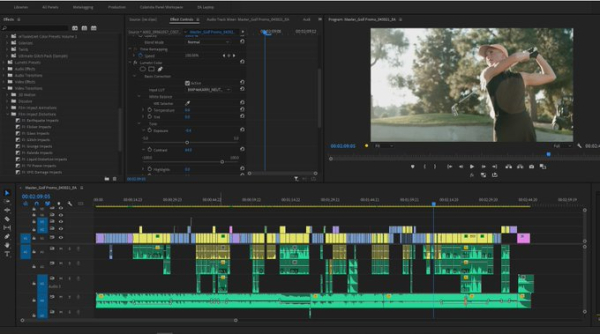
As technology and AI tools have become more and more common at helping us work faster when video editing, Premiere Pro has recently added some new features which can help you craft your videos faster by speeding up areas that traditionally slowed editors down. Through features like text based editing, auto tagging clips, media intelligence to locate footage, Gen Extend to get a couple more seconds of a shot, fixing poorly recorded audio, and auto creation of captions as well as translating them, you can now spend more time being creative. In this demo we’ll show all of this plus the new Sequence Index feature, how to use AI to create sound effects, retime music with just a few clicks, and some workflow tips for editing faster. Eric Addison, manager of the San Diego Premiere Pro User Group, will walk you through all of this, as well as answer any questions you may have about editing |
| Images |
 |
|